Making Motion Accessible

  • COMPANY: Frontify
  • PERIOD: June 2025 – February 2025
  • FOCUS: Interaction Design, Complex Workflows, Motion

Bringing motion into governed templates, without bringing unnecessary complexity along for the ride.

My first challenge in Frontify’s Templates area was introducing animation into tooling built for static, on-brand assets. Creators needed precise control, while people customizing their templates needed an approachable experience. Rather than simply attach motion controls to the old editor, I used the React refactor to question inherited interactions and improve the experience beyond the feature itself.
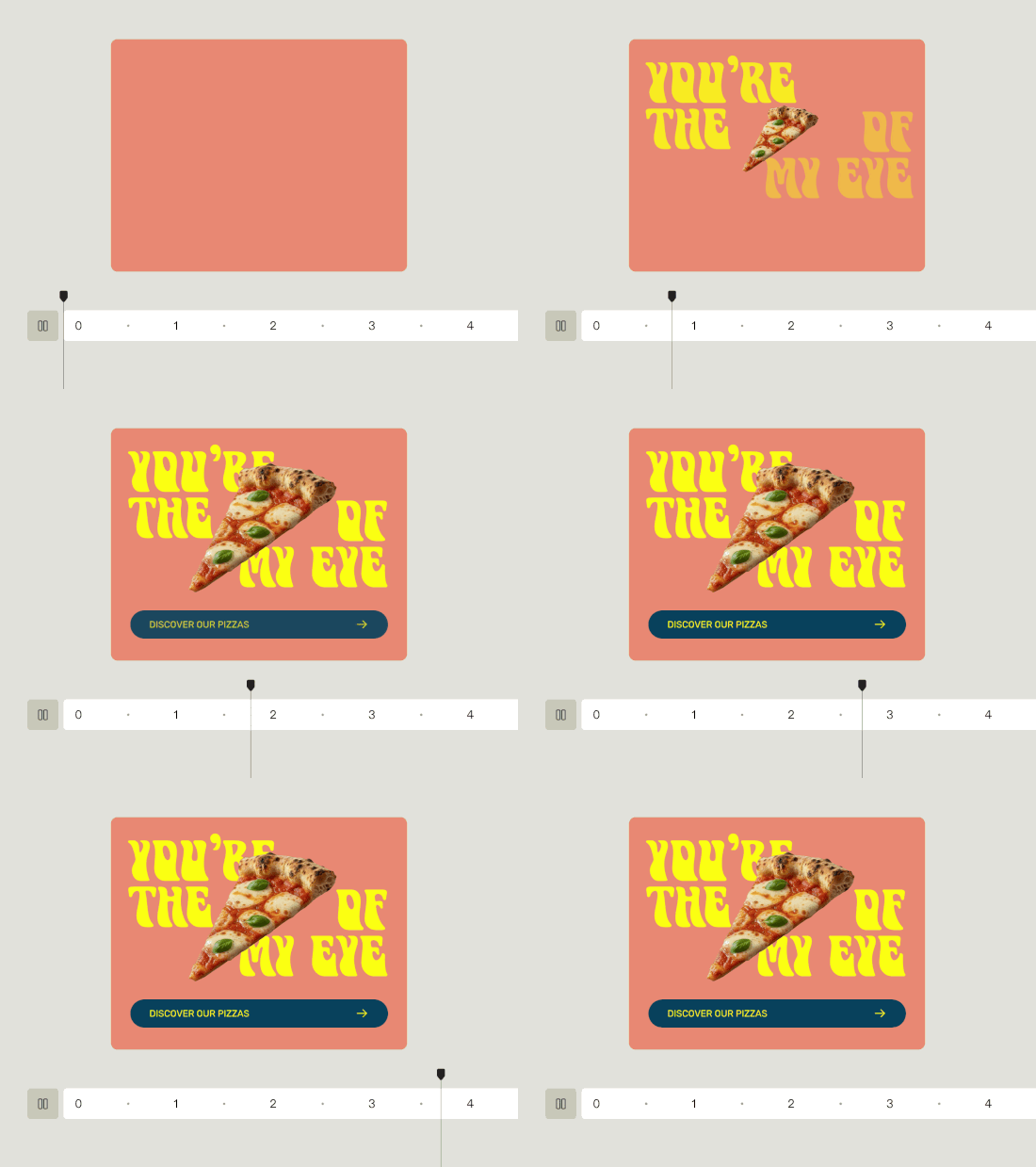
Supporting design exploration

The decisions

01

Design for two kinds of control

Template creators needed precise timing and playback; brand teams needed safe, simple customization. I designed around both sides of that experience.

02

Prototype into the complexity

I explored timing, playback, and editing interactions early. Tangible prototypes exposed edge cases and helped design and engineering make decisions together.

03

Refactor more than code

The move to React let us replace bespoke UI with Fondue components, revisit old interaction choices, and add missing reusable patterns to the design system.

04

Make accessibility foundational

We improved keyboard navigation, introduced shortcuts, and created more breathing room and clearer scanning. Shared Fondue components also brought stronger accessibility than the old custom UI.

What changed

A capability that improved its surroundings. Motion templates introduced animation into governed asset creation. The cleaner React-based experience also helped prepare the regular template editors for their later migration.

Room to grow. Motion templates have since expanded from one scene to multiple same-sized scenes and video layers. Showing all scenes together in an improved timeline is a next step, not a shipped result.

What I took away

A new capability can be the perfect excuse to make the whole experience better.